Welcome, Class of 2026!!
The Senior Section of the PV Yearbook is a very special part of the yearbook dedicated to our amazing senior class and their accomplishments. ALL SENIORS should fill out the Senior Quote & Activities GoogleForm to provide us with your accomplishments and your senior quote! Follow the directions on the form to send us your Baby, Casual, and Sibling Photos. These photos & Senior Quote & Activities GoogleForm are due by OCTOBER 17
A large part of this section is made up of the Senior Pages, our customizable, personal photo pages offered to seniors for purchase! A Senior Page is a great way for seniors to look back on the growth, experiences, and close friendships made over the last 4 years.
We offer 2 sizes of Senior Page:
- Full Page Color – $240
- Half Page Color – $125
The cost of your yearbook is NOT INCLUDED IN THE PRICE OF YOUR SENIOR PAGE. If you purchase a Senior Page, please do not buy a yearbook separately. Your book is already ordered! The deadline for Senior Page Orders is OCTOBER 31.
If you are interested in purchasing a senior page, follow the steps below!
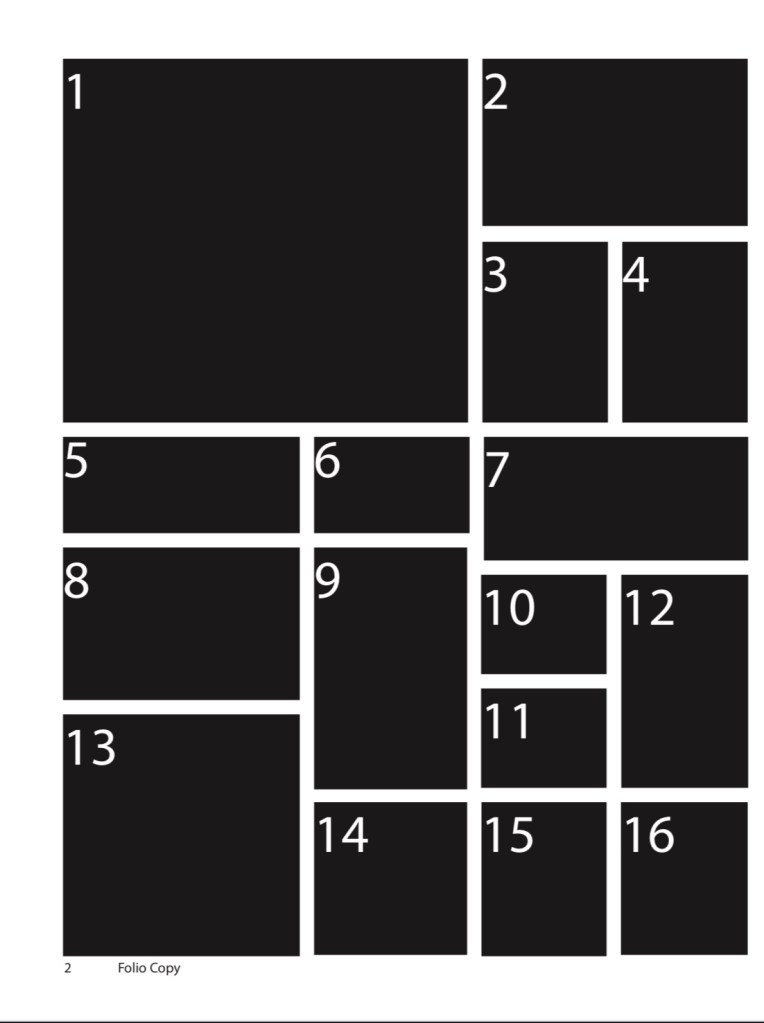
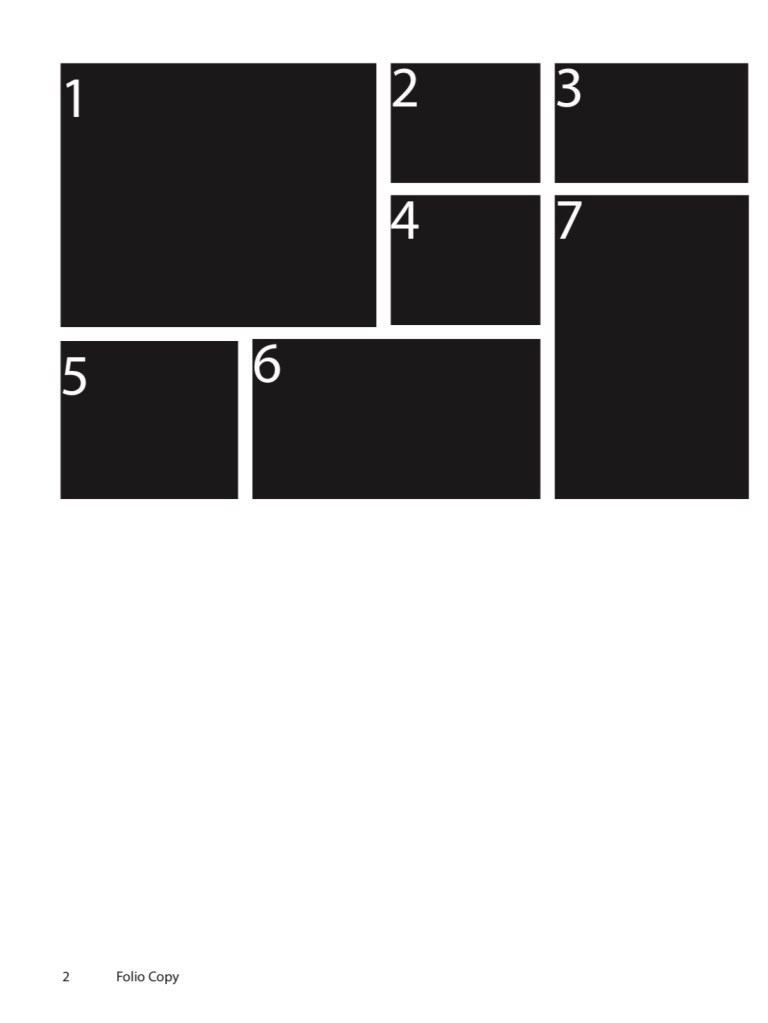
- View the Layout/Name Font options below to help make your selections. If you would like to purchase a Full Page (color or black & white), choose from the Full Page Layouts. If you would like a Half Page (color only), choose from the two Half Page Layouts.
- After you make your decisions, go to the Senior Page Order Form to give us your information and choices! https://forms.office.com/r/sy0K53tMGU
- Once you have filled out the form, go to yearbookforever.com, search Pine View School, select High School and then “Create A Senior Ad”.
- Fill in your information and select “Have the School Design My Ad.” Ignore the message written in the box. You already determined your layout & fonts in the GoogleForm from Step 2.
- Select your page size, your color choice, write your full name as the Headline and the word “none” as the Body.
- UPLOADING YOUR PHOTOS: This part is important, so please read carefully. Make sure all of the photos you would like to include in your Senior Page are in the .JPEG format and saved on your computer. Title each photo as your LAST NAME and the NUMBER of the black box in your chosen layout where you want it to be placed (ex: Cushman1, Cushman2, to be placed in box 1 and box 2). Upload each photo to its own “Upload Photo” tab (one photo per tab).
- Certify the photos and ad, then make your payment.
Thank you so much for purchasing a Senior Page!!! Contact Yearbook Senior Section Editor, Ingrid Cushman at ingridcushman@gmail.com or our Yearbook Editor-in-Chief, Calista Ream at calistaream@gmail.com with any questions.



 The View Yearbooks